
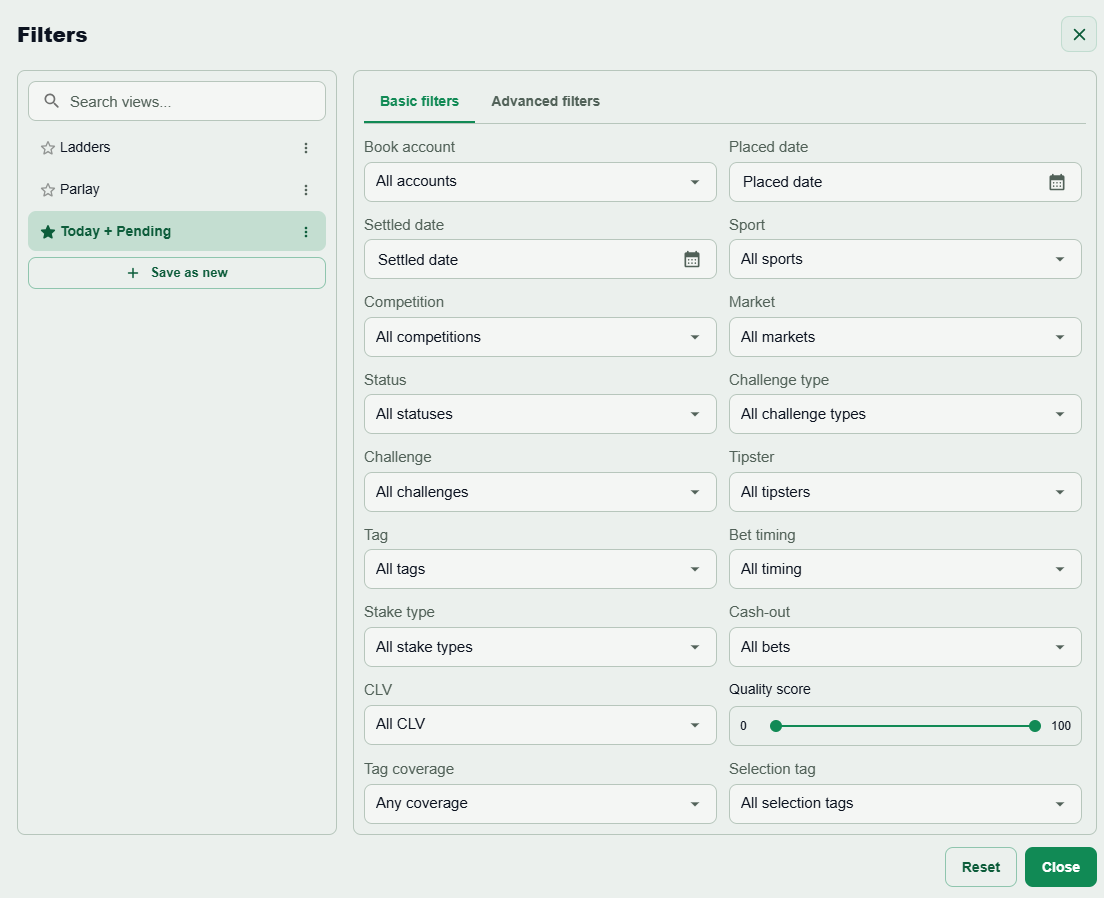
Start with a question
For example: how did settled singles in one sport perform in a particular odds range? Choose placed date to study when decisions were made, or settled date to study when results arrived.
Build a small rule group
Open advanced filters. Combine rules with AND when every condition must hold; use OR when any condition can match. Add sport, bet type, selection count, odds, quality score, research tags or challenge criteria as needed. Inspect the matching rows before drawing a conclusion.
Save and export
Save the filter as a preset for the next review. Keep preferred columns and sorting, then use Excel export for the filtered bet records. The export supports your own analysis; it does not import bets or automatically sync a sportsbook.
Keep comparisons fair
Use comparable date ranges and account scopes. Distinguish pending exposure and potential profit from settled stake and realized ROI. Continue in Pro Reports for drawdown, cash-out impact, research analysis and prediction calibration.